8BitDo Gaming Controllers Now Compatible With iPhone, iPad, Apple TV and Mac - MacRumorsOpen MenuShow RoundupsShow Forums menuVisit ForumsOpen Sidebar
Skip to Content

8BitDo Gaming Controllers Now Compatible With iPhone, iPad, Apple TV and Mac

A selection of controllers from gaming company 8BitDo are now compatible with Apple's product lineup, thanks to a firmware update that was released today.


The 8BitDo SN30 Pro for Android, SN30 Pro, Pro+, Pro 2, Ultimate 2.4g and Lite SE can be used with iPhones, iPads, Macs, and Apple TV devices that are running the latest Apple software.

All 8BitDo controllers that are compatible with Apple devices can be used like any other Made for iPhone controller to play games that offer controller support, including Apple Arcade titles.


iPads and Macs with USB-C ports can use a wired connection to a compatible 8BitDo controller, but otherwise Bluetooth connections are available. Up to four controllers can be connected at one time depending on device, and unfortunately, rumble and motion control functions are not supported.

Controllers will need a firmware update to work with Apple devices, with the firmware updating software available through the 8BitDo website.


Popular Stories

iOS 27 on iPhone 17 1

iOS 27 Will Add These New Features to Your iPhone

Saturday May 2, 2026 8:43 am PDT by
Apple is expected to unveil iOS 27 during its WWDC 2026 keynote on June 8, and there are already many rumored features and changes for iPhones. The first developer beta of iOS 27 will likely be available immediately following the keynote, and a public beta typically follows in July. Following beta testing, the software update should be released to all users with a compatible iPhone in...
Apple Event Logo

Apple Just Released a New Accessory

Monday May 4, 2026 8:13 am PDT by
Apple today released a new Pride Edition Sport Loop for the Apple Watch. The band features a rainbow design with 11 colors of woven nylon yarns. The new Pride Edition Sport Loop is available to order now on Apple.com and in the Apple Store app in 40mm, 42mm, and 46mm sizes, and it will be available at Apple Store locations starting later this week. In the U.S., the band costs $49. There...
Apple Announces 2026 Pride Band Watch Face and iPhone Wallpaper Article 2

iOS 26.5 Coming Soon With These New Features

Monday May 4, 2026 8:40 am PDT by
iOS 26.5 is expected to be released next week, following more than a month of beta testing. The update is relatively minor, but there are a couple of new features and changes across the operating system that we have recapped below. iOS 26.5 lays the groundwork for end-to-end encryption for RCS in the Messages app and ads in the Apple Maps app, and it will include a new Pride wallpaper and a...

Top Rated Comments

TheYayAreaLiving 🎗️ Avatar
41 months ago
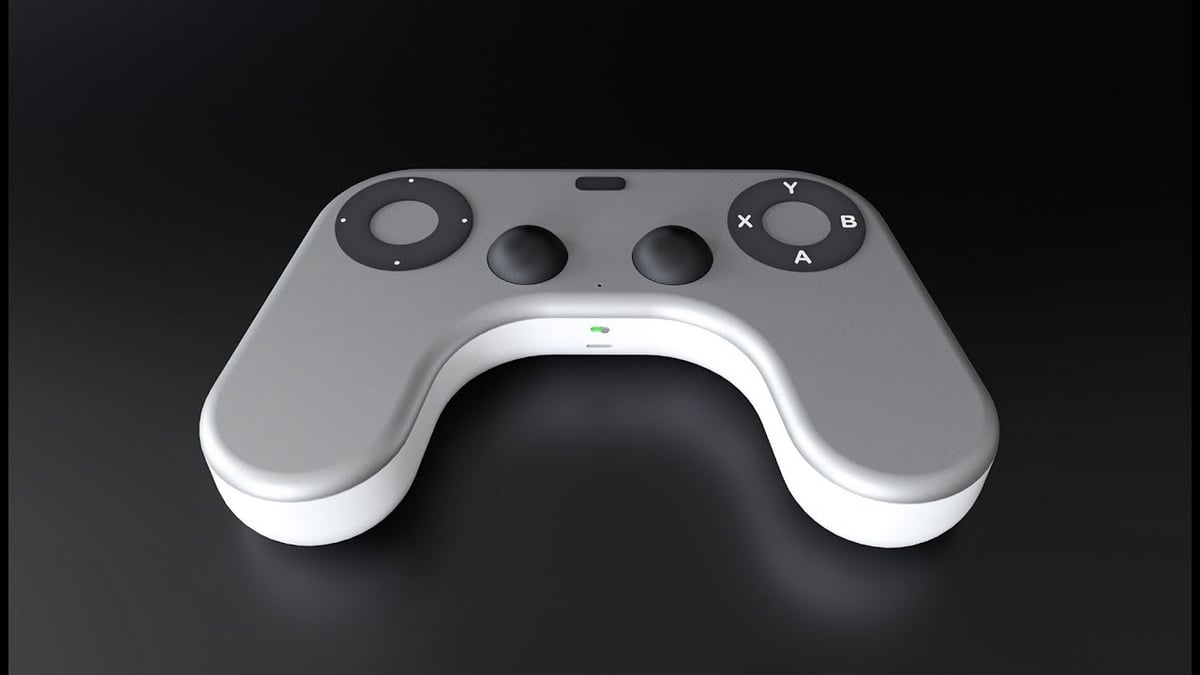
Apple needs to come up with its own gaming controller. Imagine integrated with Dynamic Island!

Score: 17 Votes (Like | Disagree)
Mac Fly (film) Avatar
41 months ago
Now all Apple need to do is quit messing around with Ted Lasso and licence some real AAA games for people to play.
Score: 11 Votes (Like | Disagree)
Razorpit Avatar
41 months ago
I guess options are good, but I don’t see why you’d pick one of these over a PS or Xbox controller.
Score: 11 Votes (Like | Disagree)
idktbh Avatar
41 months ago

Apple needs to come up with its own gaming controller. Imagine integrated with Dynamic Island!


wtf is this lmao
Score: 8 Votes (Like | Disagree)
Think|Different Avatar
41 months ago
Oh this is actually cool – I randomly was going to purchase one of these a few weeks ago, on a whim, and I literally didn't pull the plug because a lot of the comments and reviews confirmed it didn't have official support. I'll take another look then! Good on them.
Score: 7 Votes (Like | Disagree)
41 months ago

I thought these always worked with Macs?
They did, but only by by emulating an PS4 controller. There's some nuance to how the controller behaves and what functions are available depending on the mode you're in, but I'm not too sure on the specifics but my understanding of it from piecing together info from 8BitDo's FAQ and forum posts is:

Switch compatible (S mode)

* emulates a Nintendo Switch Pro controller
* allows for gyro to be used for motion controls
* trigger buttons not in analogue mode (they're either fully on or fully off)
* rumble support

Apple compatible (A mode)

* emulates a PlayStation DS4 controller
* no gyro
* trigger buttons in analogue mode
* rumble support

DirectInput (D mode)

* most compatible mode for emulators and old games due to it being the dominant 'standard' input mode before X-input
* can be used in Windows, Linux, Android and macOS (with emulators)
* no gyro
* trigger buttons in analogue mode (if the game supports it?)
* no rumble

X-input (X mode)

* emulates a Xbox 360 controller
* supported by pretty much all modern platforms such as Windows, Linux, macOS, Android and iOS/tvOS/iPadOS
* most modern games will pre-map their controller buttons automatically in this mode
* no gyro
* trigger buttons in analogue mode
* rumble support


I'm not really sure how it's better than a PS5 controller? I paired the PS5 controller with my mac to run ETS 2 on Steam, the problem isn't the controller, the issue is the weak GPU of the M1 mac mini, it's just no good even for old games.
It depends. Some of 8BitDo's controllers are better if you're frequently swapping your controller between different devices (of different types) since you can have it paired with up to 4 different types of devices with a simple switch mode on the back.

I for one, absolutely hate having to do the pair/re-pair Bluetooth dance between different devices when I use an Xbox or PS4/5 controller. With my Pro 2, I can go from using it on my iPhone (A mode) to my Windows PC (X mode) to my emulation box (D mode) to my tablet (S mode) by simply flicking a switch and it instantly pairs to each device. That functionality alone is a really nice 'quality of life' feature.

You also have control over things like deadzones in the 8BitDo software that you don't get with Xbox and PS controllers.

Controllers are also a bit of personal preference when it comes to ergonomics, so as always, it's best to check and test them yourself if you can before buying.
Score: 6 Votes (Like | Disagree)
Related Apple News: South Africa | Iphone | World News | Opinion | Motoring