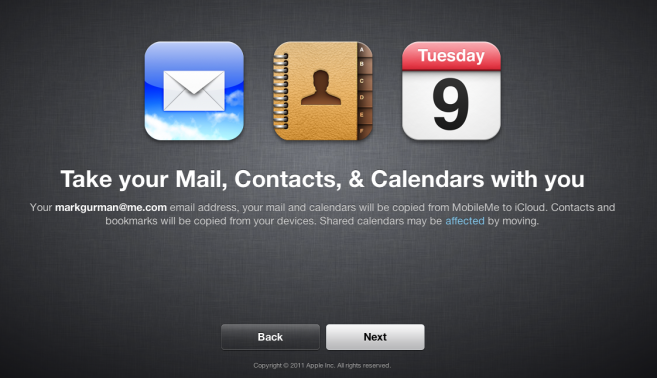
Apple has enabled the MobileMe.com/move url which allows developers to migrate data from MobileMe to iCloud. If you're not a developer, you'll have to wait. Per 9to5Mac, it allows you to move Mail, Contacts, and Calendar information, but the rest of the data won't be making the move:
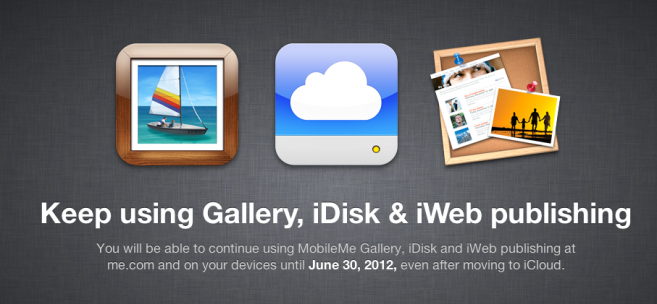
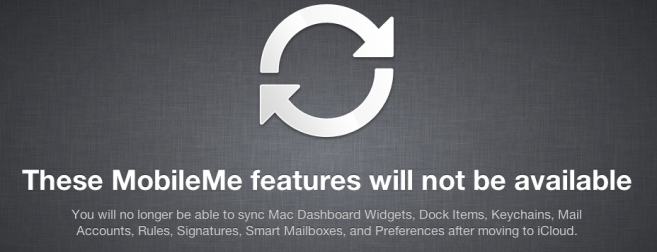
Apple lets you take your Mail, Contacts, and Calendar information over to iCloud and also tells users that they can continue using iWeb, iDisk, and Photo Gallery up until June 30, 2012. Apple also tells users that the following will no longer be available: Dashboard widget sync, dock item sync, keychains, signatures, mail account rules, mail smart boxes, and mail preferences.
Non-developer accounts are not yet allowed to migrate their data to iCloud.
Apple is expected to unveil iOS 27 during its WWDC 2026 keynote on June 8, and there are already many rumored features and changes for iPhones.
The first developer beta of iOS 27 will likely be available immediately following the keynote, and a public beta typically follows in July. Following beta testing, the software update should be released to all users with a compatible iPhone in...
Apple today released a new Pride Edition Sport Loop for the Apple Watch. The band features a rainbow design with 11 colors of woven nylon yarns.
The new Pride Edition Sport Loop is available to order now on Apple.com and in the Apple Store app in 40mm, 42mm, and 46mm sizes, and it will be available at Apple Store locations starting later this week. In the U.S., the band costs $49.
There...
iOS 26.5 is expected to be released next week, following more than a month of beta testing. The update is relatively minor, but there are a couple of new features and changes across the operating system that we have recapped below.
iOS 26.5 lays the groundwork for end-to-end encryption for RCS in the Messages app and ads in the Apple Maps app, and it will include a new Pride wallpaper and a...
I'm going to miss Keychain and mail rules/signatures the most as that was extremely handy when upgrading/rebuilding/replacing my Macs. Why is something like this being removed? It's not like it takes up GB's of space. Two steps forward three steps back if you ask me.
Seriously, is there not going to be anyway at all for people with separate iTunes accounts and MobileMe accounts to finally merge the two? I've never bought anything on the iTunes account linked to MobileMe. I just want to use my @me.com address with the iTunes account I already have all my purchases on. Is that really so much to ask for???
No. He said that his iTunes ID associated with every purchase he's made is tied to an email address that has been shut down for a couple years and that there is no way to do anything about it. That's not correct. He can log into iTunes with that ID and change the email address very easily. He can't log in via his newer Apple ID, but he can log in using his old ID and have email associated with purchases sent to his email addresses associated with his newer AppleID.
Personally, this is perfect for me. My wife and I each have our own MobileMe accounts, but share an iTunes account for purchases. Under iCloud, this will allow us to load purchased apps, books, etc onto all of our individual devices and have own own calendar, contact, and email accounts under MobileMe.
I think the problem is (and I'm having the same issue because I have an old hotmail address used for my iTunes account and also a MobileMe account that I use for email, syncing ical, iPhone, iPad, laptops, desktops, etc etc) is that if the email address he wants to change his iTunes account with is currently used with MobileMe, iTunes will not let you change it to that email address.
This is the message I get when I try to change it from my @hotmail address to my current @me address
"You cannot change this Apple ID to use an existing MobileMe email address. If you would like to use your MobileMe account you can cancel and Sign In using your MobileMe account information. This email address you entered is already associated with an Apple ID. If it's yours, you can cancel and sign in using that Apple ID"
I think there are many people who are in this boat because, well if you are like me, you had an iTunes account long before you had a MobileMe account. I'm sure it will all work out in the end but it just sucks that Apple doesn't let account holders merge accounts. Would be nice if I could just get everything under the same @me account (iTunes (apps and music) and now iCloud).
If we have a separate AppleID for purchases that we have used for iCloud, can the MobileMe email address now be migrated over?
Nope! We are SOL! I've been through this with Apple over and over. There is no way to combine accounts. There is no way to change the email address associated with an account. If you try to change the email address, it just creates another account. I'm in the same boat as you. My original ID that is associated with every purchase i've made is tied to an email address that has been shut down for a couple years. There are plenty of us dissatisfied with this, but no way to do anything about it. If you ask Apple if you can, they just tell you how you can authenticate more than one account in iTunes, but that doesn't do anything to solve the problem.