Apple today released macOS 13 Ventura, the latest version of the operating system designed to run on Macs. macOS Ventura comes after several months of beta testing and feature refinements, and it is compatible with the 2017 iMac and later, the iMac Pro, the 2018 and later MacBook Air, the 2017 and later MacBook Pro, the 2019 and later Mac Pro, the 2018 and later Mac mini, and the 2017 MacBook.
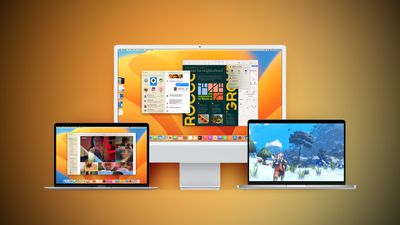
The macOS Ventura update can be downloaded for free on all eligible Macs using the Software Update section of System Preferences, and it is also available through the Mac App Store.
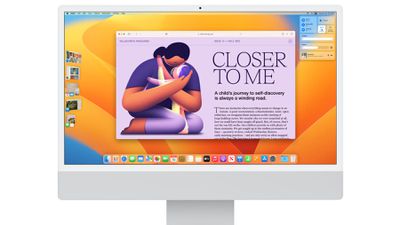
macOS Ventura brings Stage Manager, an all-new way of focusing on a task while having other apps ready to go. Stage Manager is designed to put your main app front and center on the desktop, and tucks your other apps at the side for quick access when they're needed. Apps and windows can be grouped together, so you can set up your desktop in the right way for your workflow.
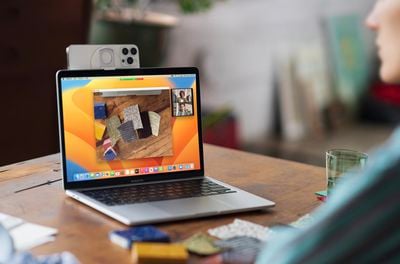
A new Continuity Camera feature does away with the need for a poor quality built-in Mac camera because it allows you to use your iPhone as a webcam for your Mac. The iPhone can be positioned on top of the Mac using a stand, and it is designed to connect automatically. A Desk View uses an Ultra Wide view to show off your desk if you need to demo something, plus there's Center Stage support and Studio Light, an effect that illuminates your face while dimming the background.
Handoff has expanded to FaceTime, allowing you to take calls on the Mac and transfer them seamlessly to the iPhone or vice versa. Messages has new undo and edit buttons to fix errors in or recall a recently sent iMessage, and there is an option to mark messages as unread. Accidentally deleted messages can be recovered, and there are new collaboration features.
SharePlay works in Messages in addition to FaceTime in macOS Ventura, so you can watch TV shows and use apps with others while chatting with them in the Messages app.
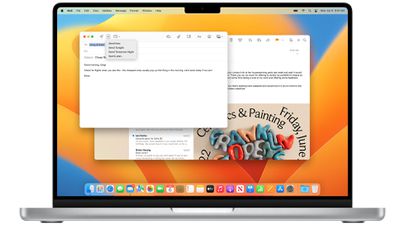
The Mail app has been overhauled in macOS Ventura, and the search feature is more relevant and accurate than ever before. When you click into search and start typing, you'll see relevant emails, contacts, documents, photos, and more. Emails can be scheduled, and if you make a mistake you can undo an email for up to 30 seconds after it's sent.
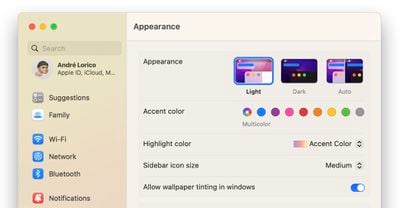
Apple is bringing new apps to the Mac in macOS Ventura, including a dedicated Weather app and a Clock app, both of which mirror their iOS counterparts. System Preferences has been renamed System Settings, and it has a design that's more like the Settings app on iPhone and iPad.
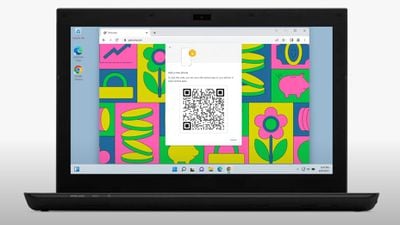
Apple is planning to make Safari safer through Passkeys, a next-generation credential that replaces the password. Passkeys stay on device and are never on a web server, which makes them far more secure than passwords. Passkeys are easy to use, with sign-ins authenticated through Touch ID or Face ID, plus they sync across devices through iCloud Keychain and can be used on non-Apple devices with iPhone authentication.
Spotlight's design has been updated with simpler navigation and Quick Look support for previewing files with a click. Photo Library integration is available for searching for images in the Photos app by location, people, scenes, and objects. Spotlight can even find Live Text in images, and it supports actions like creating a document, running a shortcut, or starting a timer.
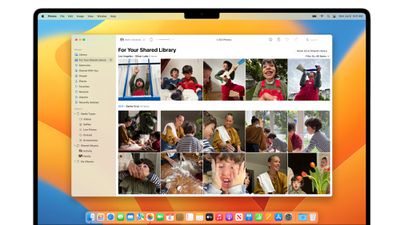
There's a new iCloud Shared Photo Library that allows up to six family members to share a photo library that is separate from their personal libraries, for easier enjoyment of family photos. Photos offers intelligent sharing suggestions for relevant photo moments that family members have participated in, and every Shared Photo Library user can add, edit, delete, or favorite shared photos and videos.
To keep Macs more secure, there's a new Rapid Security Response feature for installing security updates without a system update, and it doesn't even require a reboot. Apple's release notes for the update are below:
A deeper rundown on all of the new features that are available in macOS Ventura can be found in our dedicated macOS Ventura roundup.