Apple Shares Two Tutorial Videos Covering Portrait Lighting on iPhone 8 Plus
Apple today shared two new tutorial videos on its YouTube channel, walking users through the steps required to use the new Portrait Lighting feature on the iPhone 8 Plus.
The first video focuses on how to shoot using Portrait Lighting, while the second video covers how to add Portrait Lighting effects when editing a photo.
Like Apple's
other tutorial videos, the two Portrait Lighting videos are short and to the point, walking users through a series of simple steps to access the features.
Portrait Lighting is a new feature that's available on the iPhone 8 Plus and the upcoming iPhone X.
Portrait Lighting is designed to let you add studio quality lighting effects to your images, with Apple using two cameras to create a depth map of an image along with machine learning techniques to decide how to adjust the lighting in a scene.
The feature works in real-time, but it can also be added to images after a photo has been taken.
Portrait Lighting effects include Natural Light, Studio Light (lights up your face), Contour Light (adds dramatic shadows), Stage Light (spotlights your face against a dark background), and Stage Light Mono (Stage Light, but in black and white).
Popular Stories
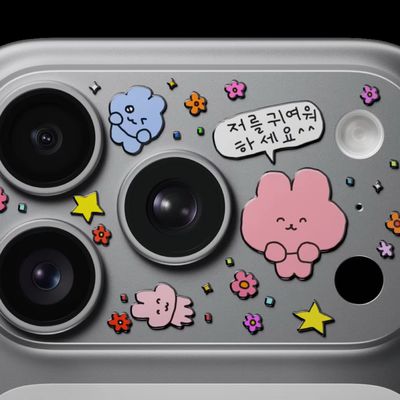
In a video uploaded to its YouTube channel in South Korea today, Apple showed off a handful of iPhone 17 Pro devices decorated with tiny stickers.
The stickers are placed on the iPhone 17 Pro's so-called "plateau," the protruding aluminum area housing the rear cameras, an LED flash, a microphone, and the LiDAR Scanner. The video has the hashtags #PhoneDecor and #iPhoneCustomization....
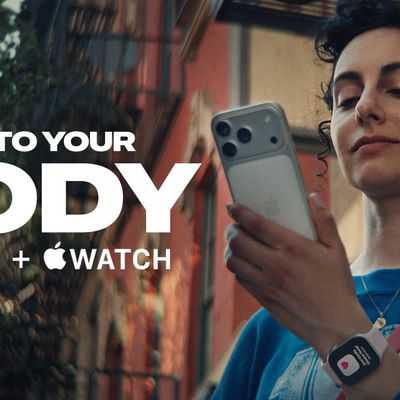
Apple has published a new ad to appeal to customers in the market for an iPhone and Apple Watch pairing, highlighting the insights it can offer for your health.
Titled simply "Health with iPhone + Apple Watch," the half-minute ad focuses on a woman waiting in line at a cafe who begins receiving unsolicited health and fitness advice from other people in the queue, as well as local residents,...
Apple today released a new Pride Edition Sport Loop for the Apple Watch. The band features a rainbow design with 11 colors of woven nylon yarns.
The new Pride Edition Sport Loop is available to order now on Apple.com and in the Apple Store app in 40mm, 42mm, and 46mm sizes, and it will be available at Apple Store locations starting later this week. In the U.S., the band costs $49.
There...